Legibility
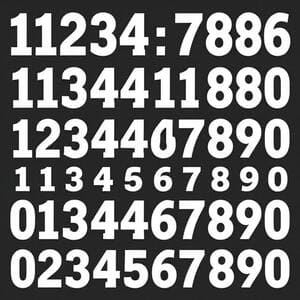
High-contrast numerals, thick tick marks, and tuned spacing keep information readable in direct sun.
Feature Highlights
Built like a cockpit instrument: fast at a glance, tuned for battery, and clear in India’s bright daylight. CELEST1840 keeps the aviation look without sacrificing efficiency on modern Wear OS devices.
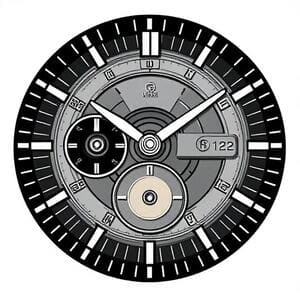
Legibility, efficiency, and finish — three pillars behind CELEST1840’s design.
High-contrast numerals, thick tick marks, and tuned spacing keep information readable in direct sun.
Dedicated ambient assets maintain the instrument vibe while lowering GPU load for better battery.

Soft lume, subtle bezels, and realistic highlights ensure a premium look on small and large cases.
Optimised for round Wear OS watches. Experience may vary by device model and OS version.

Tip: keep auto‑brightness on and use the ambient variant for longer days.
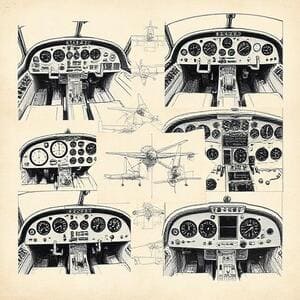
From instrument references to on‑wrist clarity — a quick look at how CELEST1840 comes together.
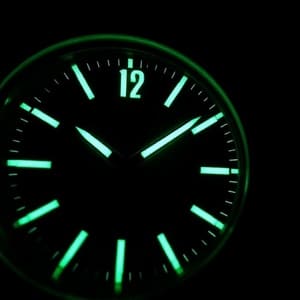
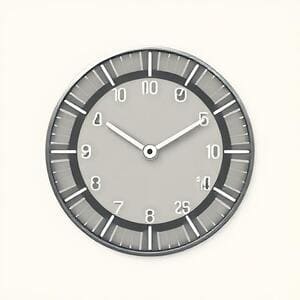
Practical steps to keep the aviation look while extending daily runtime on Wear OS.
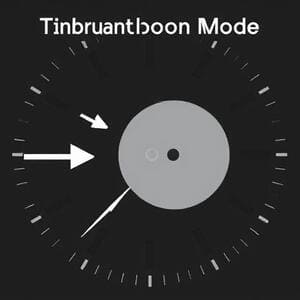
Use the matching ambient dial to reduce overdraw while preserving instrument character.
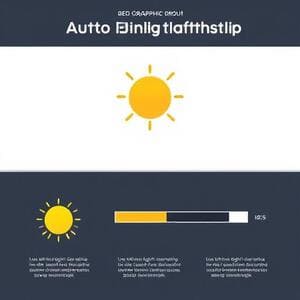
Adaptive brightness keeps clarity in daylight and saves power indoors.
Always‑on display can be used with simplified assets to balance visibility and efficiency.
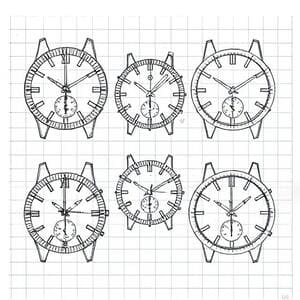
A compact set of cockpit‑inspired frames and colorways on wrist.
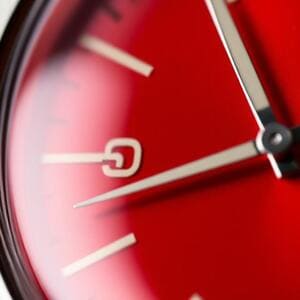
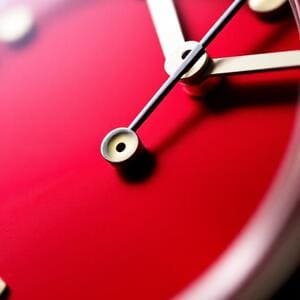

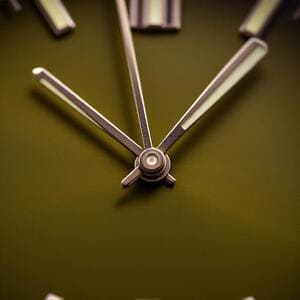
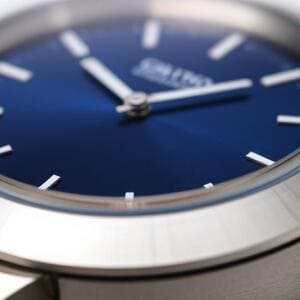
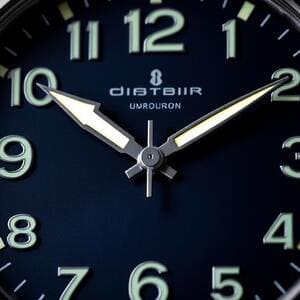
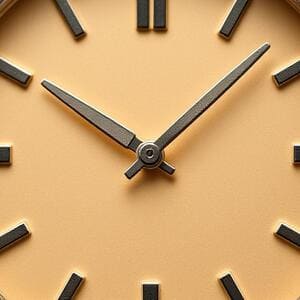
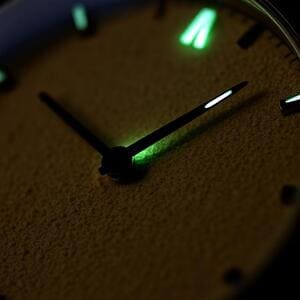
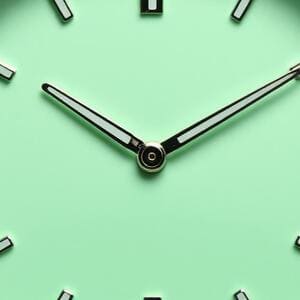
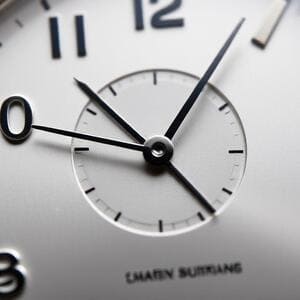
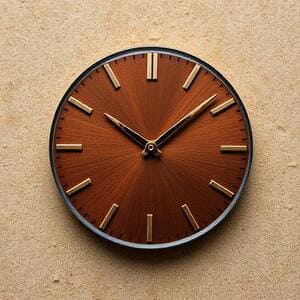
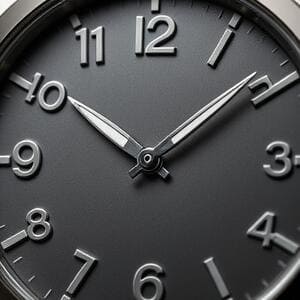
A cockpit watch face must feel engineered: crisp edges, balanced highlights, and textures that suggest metal, glass, and lume. CELEST1840 balances realism and efficiency so the dial reads fast without visual noise.
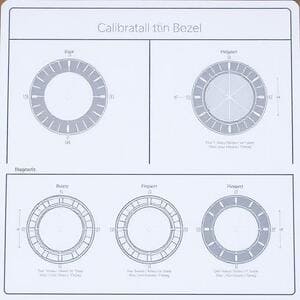
The minute rail uses subtle mid-tones and micro-shadows to emulate brushed metal without adding heavy layers. Each tick is spaced at consistent angular intervals for quick glances during commutes.

Highlights simulate curved glass while avoiding full scene reflections, keeping the look premium yet battery-friendly. The result: depth without glare under India’s bright daylight.
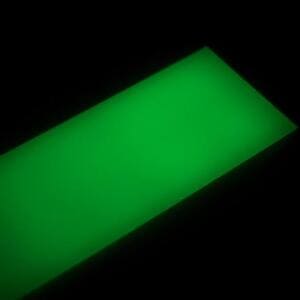
A soft, aviation-style lume tint improves nighttime legibility. It’s tuned to avoid color cast in low-power ambient mode and stays consistent across colorways.
From trains and traffic to gyms and night markets — the dial is designed to stay readable and composed, just like a cockpit instrument.
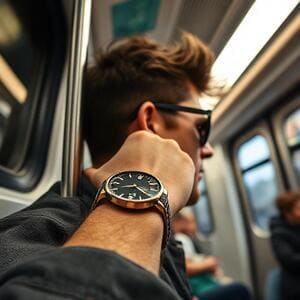
Bold numerals and heavy minute ticks make time checks instant while boarding or switching lines.
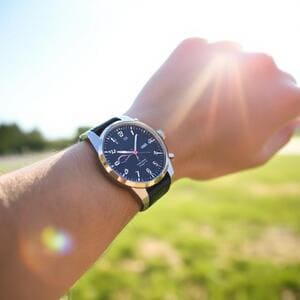
High contrast and tuned specular highlights fight glare so shapes remain distinct at noon.
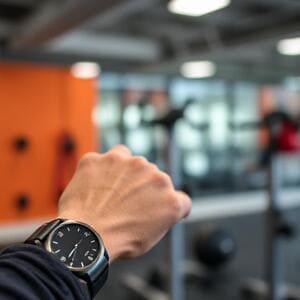
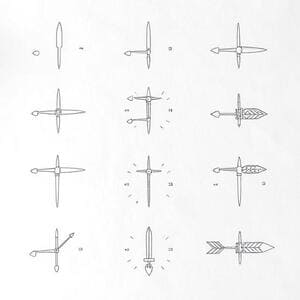
Clear hand geometry stays readable mid-movement; counterweights help with orientation.

Ambient variants simplify layers and keep the aviation vibe under mixed neon and warm lights.
Fine-tune CELEST1840 like an instrument. These adjustments help you maintain legibility and efficiency across environments.
If your watch tends to crop hands on smaller bezels, choose the compact set in settings. Counterweights are preserved to keep the tool-like feel and visual equilibrium.
Use ambient when you expect long, uninterrupted days. It lowers overdraw by simplifying shadows and reflective highlights while keeping the key silhouettes of the hands and numerals.
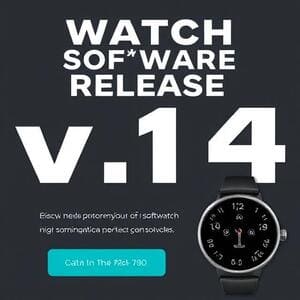
Ongoing refinements to legibility, ambient performance, and finish.
Refined specular highlights on glass and minute rail to reduce glare at noon. Minor hand-length tweak for smaller round displays. Ambient layers simplified.
Added monochrome ambient for minimal draw calls; improved numeral kerning; fixed micro-aliasing on minute ticks under low brightness.
Introduced Sand and Mint; adjusted Navy shadows for better separation; optimised shadow stack from four to three layers.